Audio Technology
9 MIN READ · PRACTICAL GUIDE
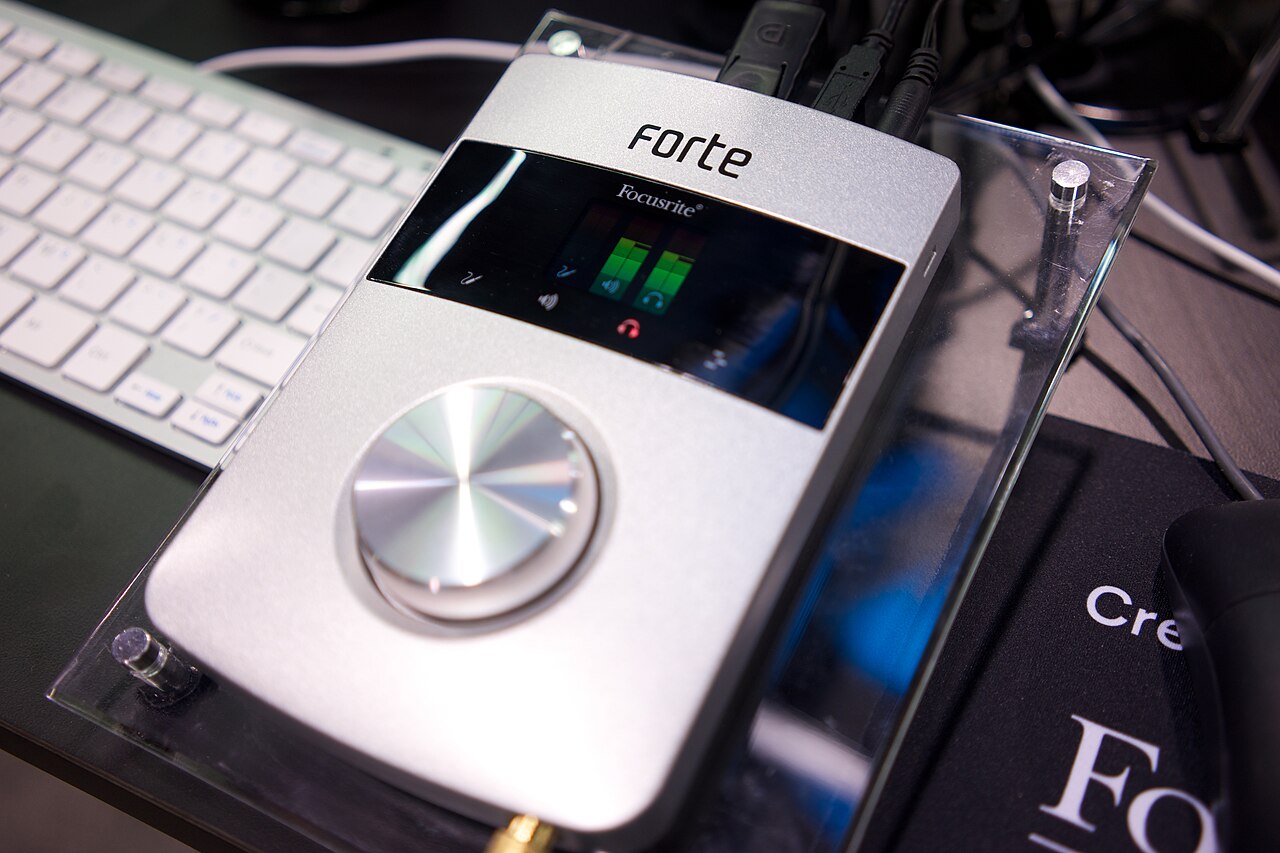
Before replacing an interface to cure delay, separate what you hear while tracking from where recorded audio lands on the timeline. Then check the driver, the buffer location, plugin latency and the monitoring path. Upgrade only after you have written down which bottleneck remains and confirmed that new hardware would address it.
Read the guide ↗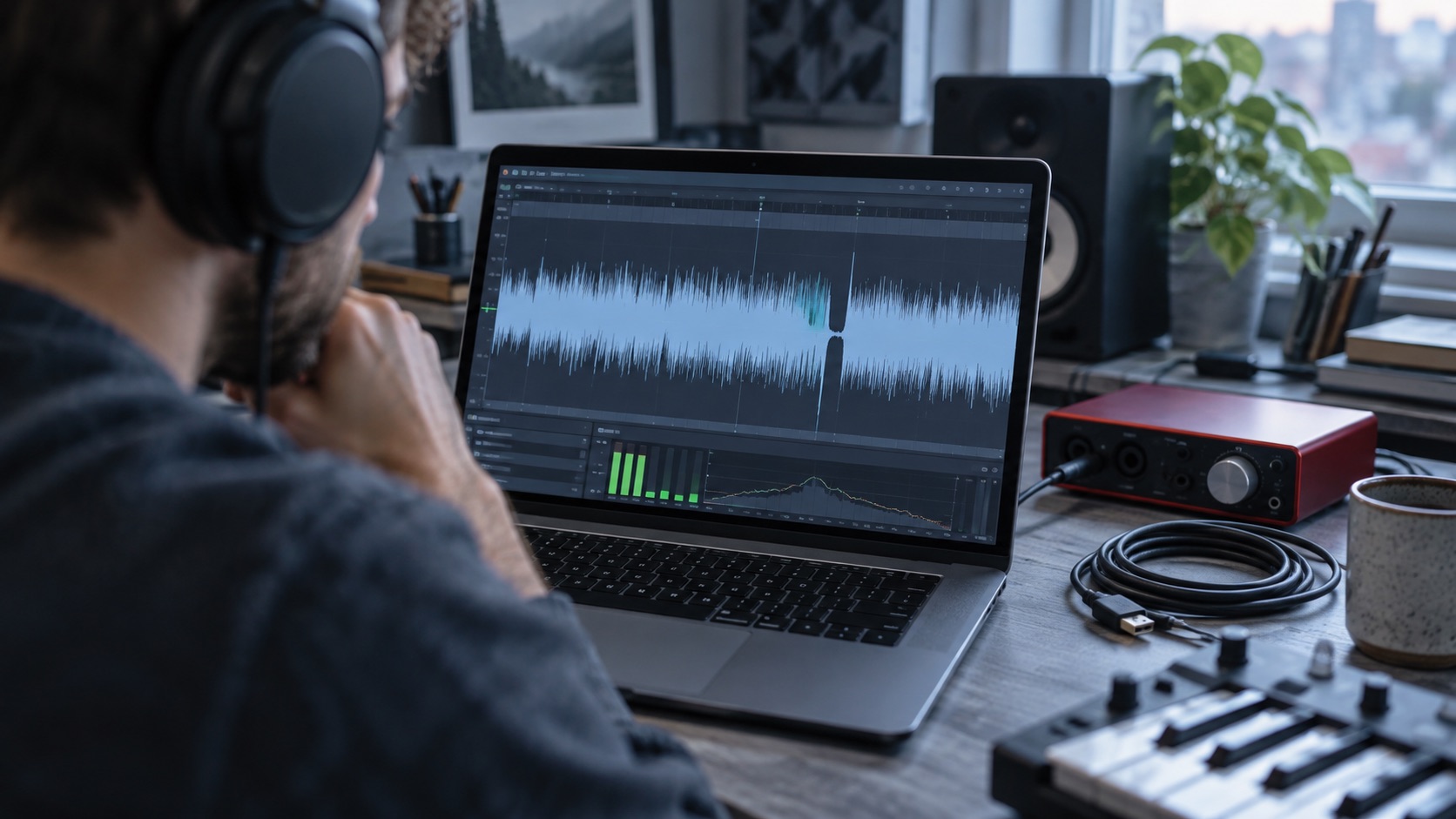
Audio Technology
9 MIN READ · PRACTICAL GUIDE
A low CPU reading does not guarantee clean audio. Crackles at small buffers often mean the system is missing short real-time deadlines. This guide covers reproducing the problem, testing buffers methodically, checking plugin load, drivers, cables and disks, and keeping a configuration you know works.
Read the guide ↗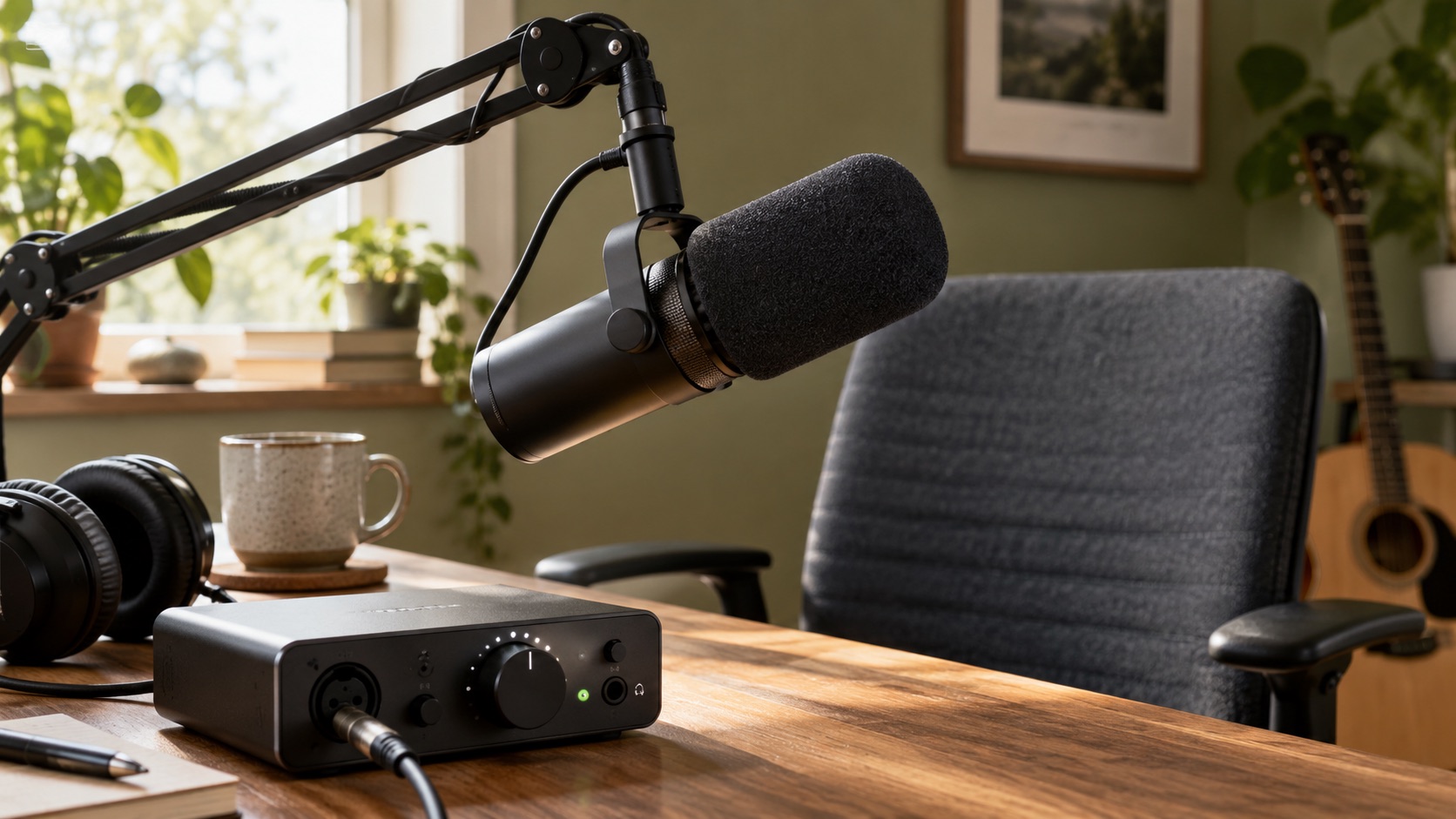
Audio Technology
9 MIN READ · PRACTICAL GUIDE
If an SM7B still sounds quiet with a Cloudlifter, the cause may be placement, gain staging, booster power, cabling or software processing rather than missing gain. This guide shows how to isolate each variable with simple recordings, avoid misleading fixes and decide when to contact a manufacturer.
Read the guide ↗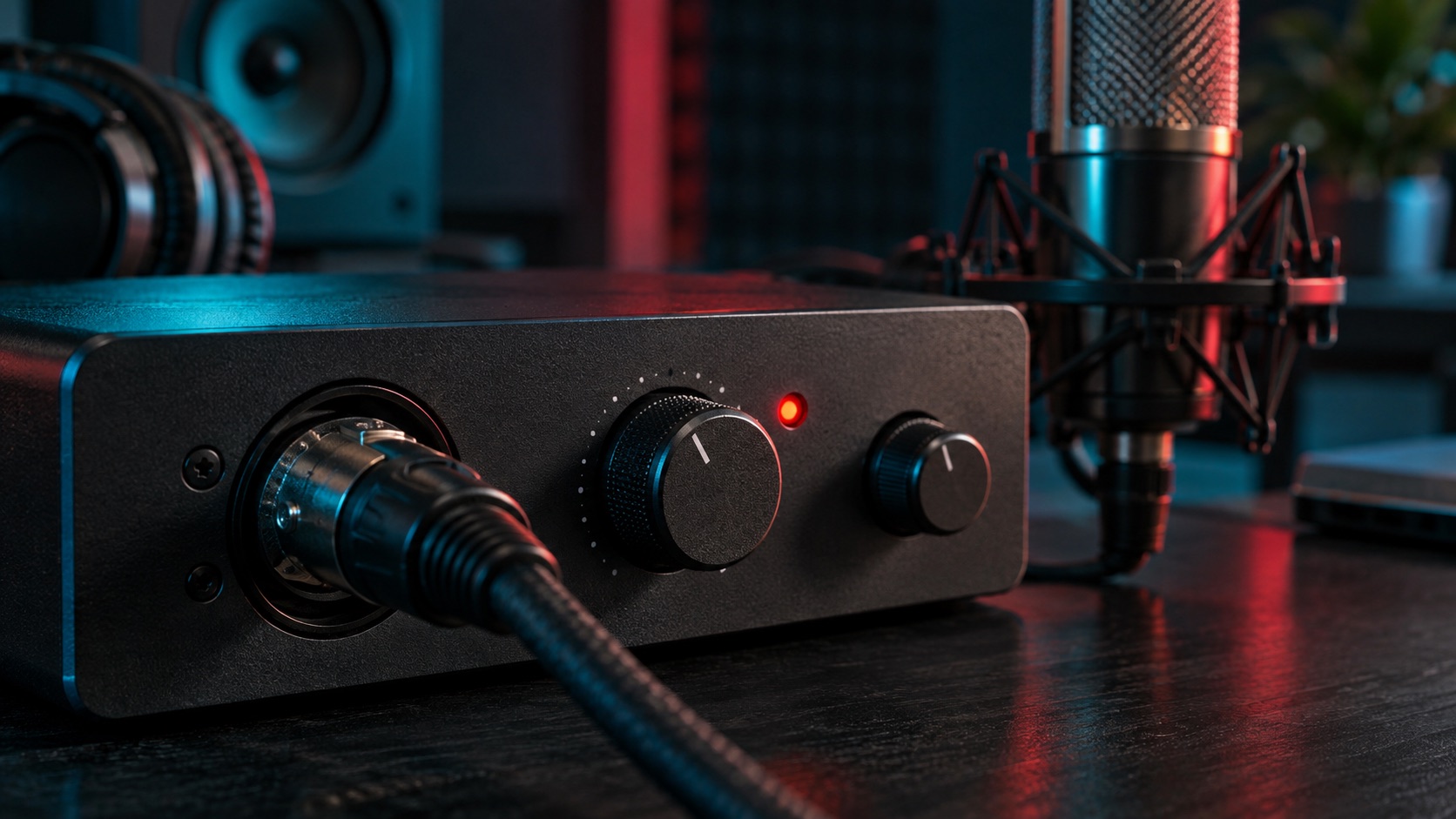
Audio Technology
9 MIN READ · PRACTICAL GUIDE
A vocal can sound crunchy while the recorded level stays below 0 dBFS, because overload can happen at stages the meter does not watch. This guide shows how to locate the distorting stage, rule out playback faults, weigh restoration against rerecording, and protect the original file.
Read the guide ↗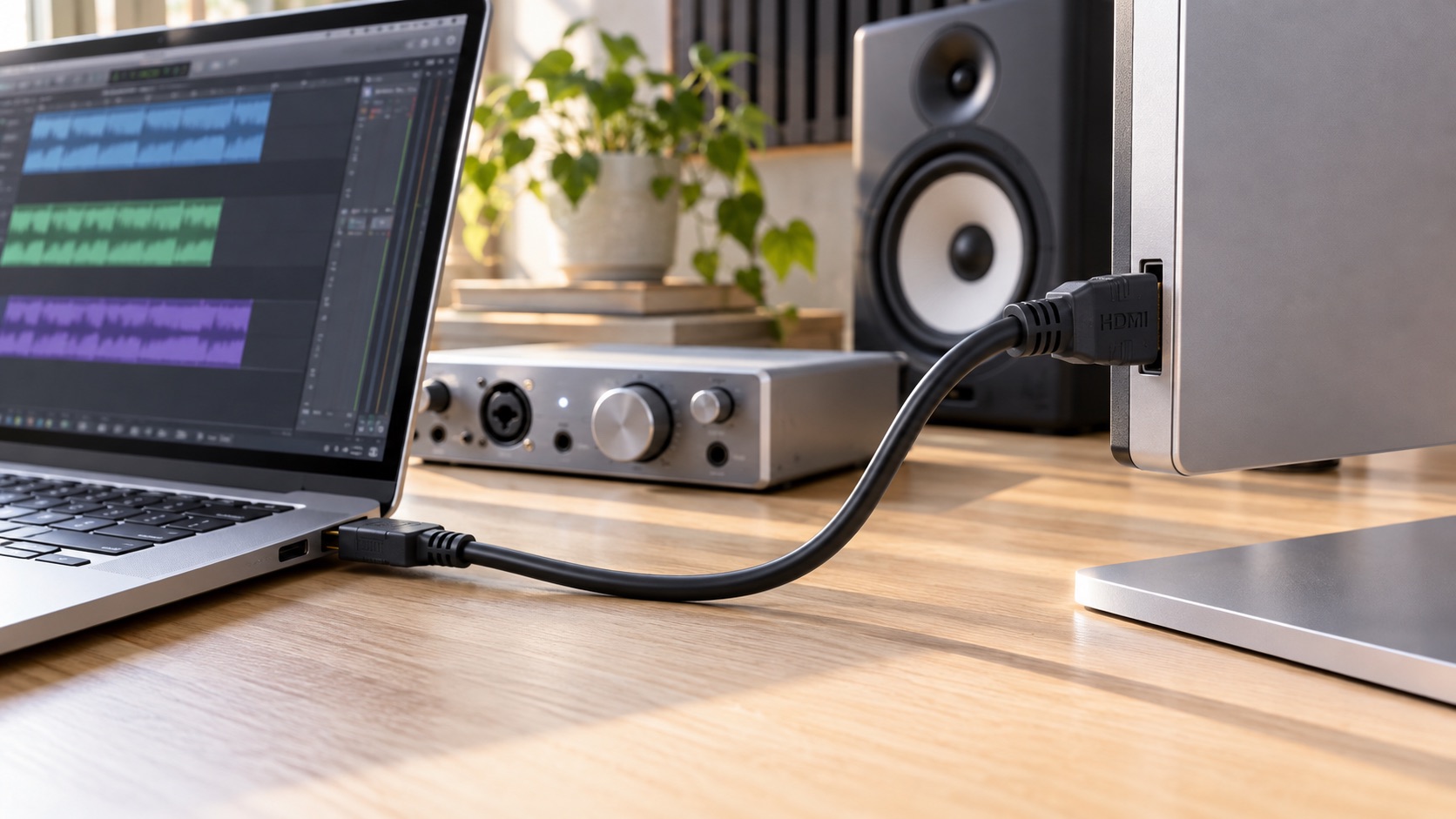
Audio Technology
8 MIN READ · PRACTICAL GUIDE
If your studio monitors hum only when an HDMI display joins your laptop and audio interface, the connection path is a likely suspect. This guide covers mapping your setup, testing one change at a time, safe isolation options, warning signs, and when to call a qualified electrician.
Read the guide ↗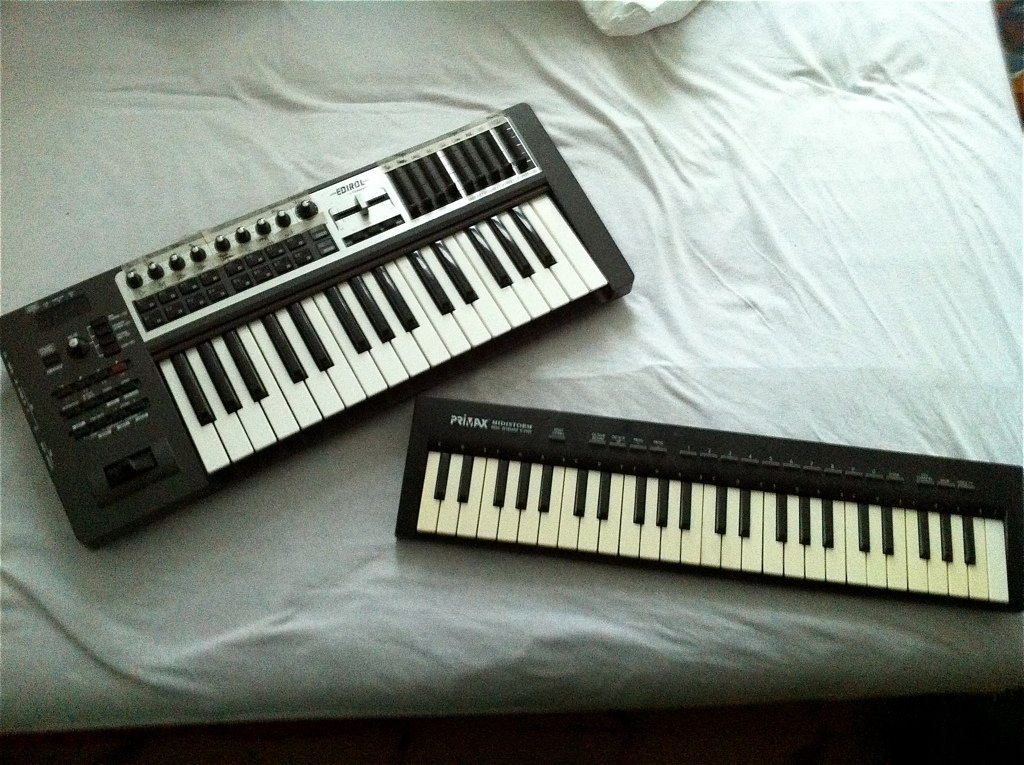
Audio Technology
9 MIN READ · PRACTICAL GUIDE
A controller that shows up in your DAW can still play nothing, because MIDI carries instructions, not sound. This guide follows the signal from keys to speakers through note events, the instrument, channel, track monitoring, output device and a saved template. It also covers red flags and when to contact support.
Read the guide ↗
Audio Technology
9 MIN READ · PRACTICAL GUIDE
A doubled, flanged, or robotic voice in your headphones often means two monitor paths are running at once: the interface's direct signal and a delayed copy from the DAW. This guide shows how to test each path, rule out other causes, and save a dependable monitoring template.
Read the guide ↗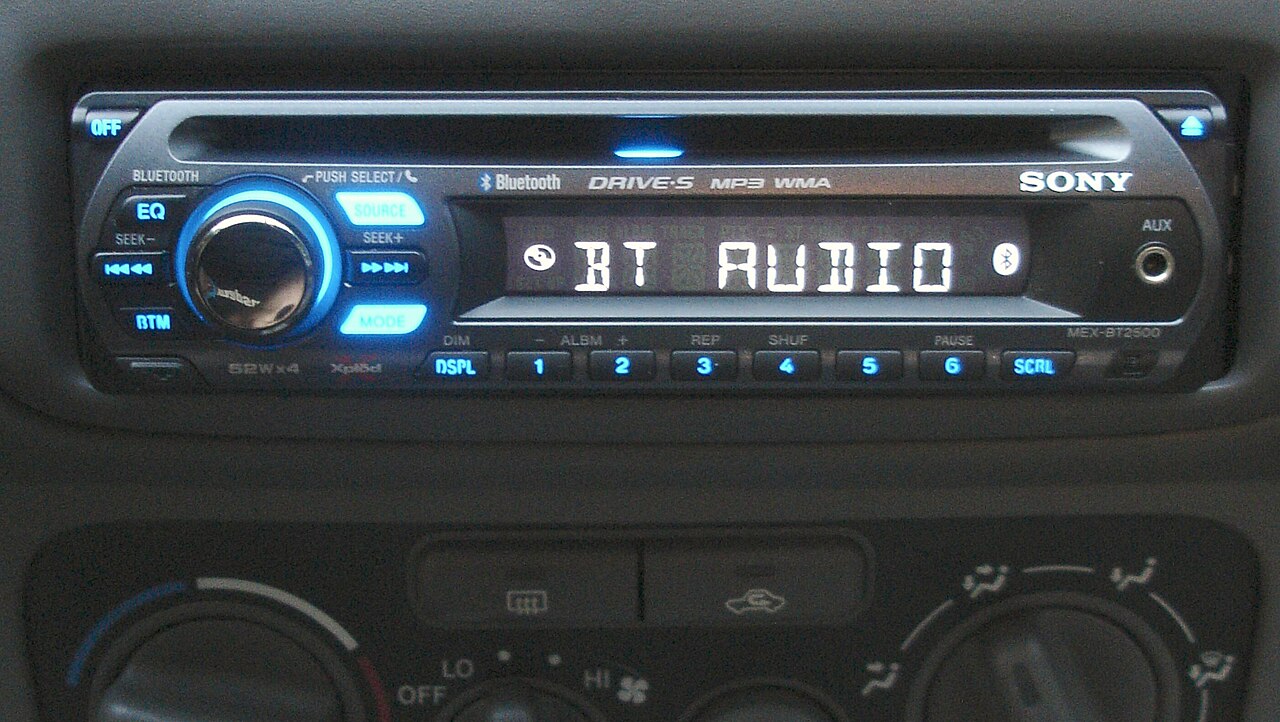
Audio Technology
9 MIN READ · PRACTICAL GUIDE
If your mix sounds good on headphones but bad in the car, check three likely causes: low-end balance, crowded arrangement, and a misleading room. This guide covers preparing level-matched comparison files, bass audibility checks, monitor placement, notes from several systems, and a one-change-at-a-time revision loop.
Read the guide ↗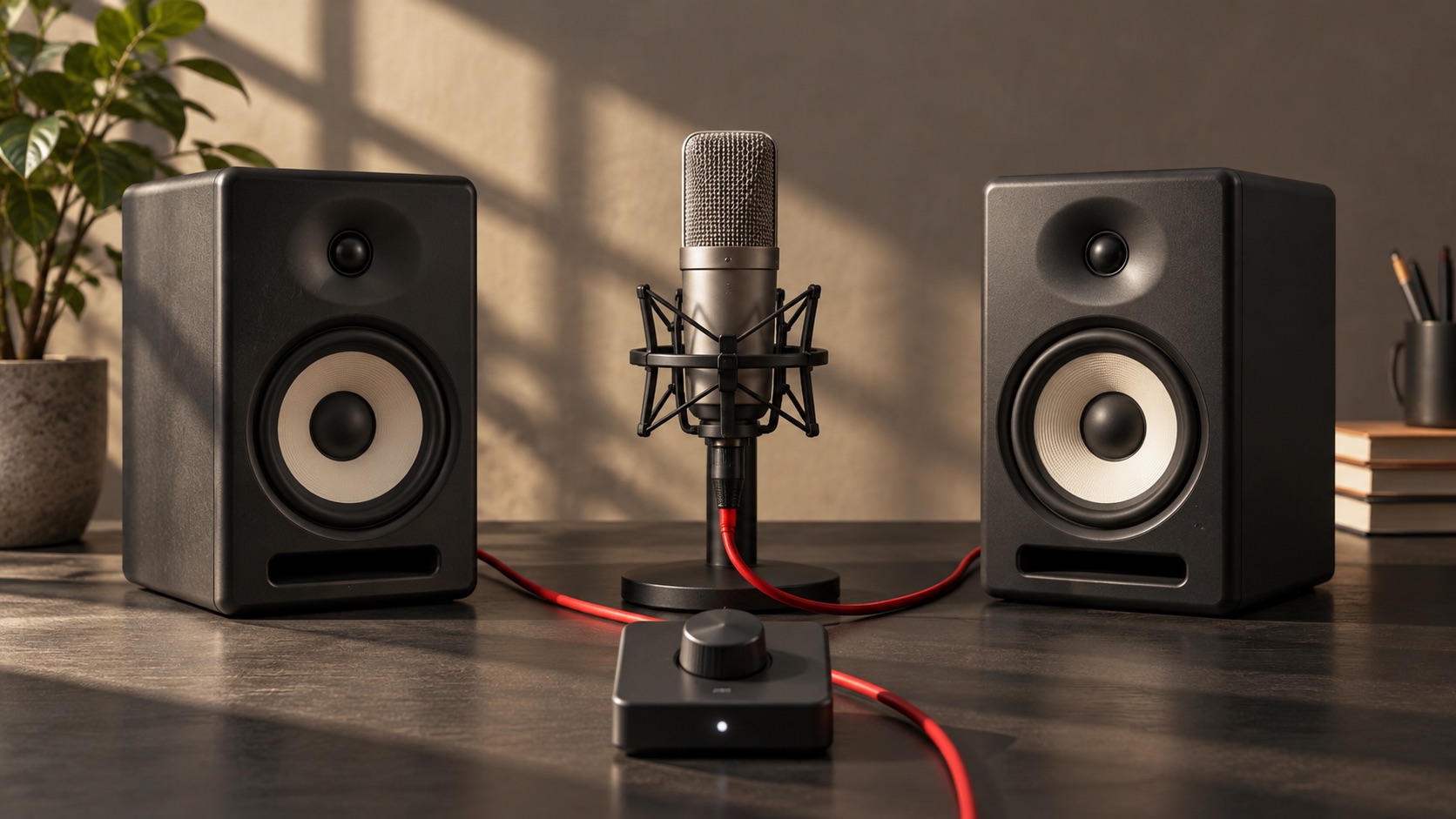
Audio Technology
9 MIN READ · PRACTICAL GUIDE
When a lead vocal fades or vanishes in mono, the usual cause is opposite-polarity or time-shifted content between the left and right channels. This guide shows how to confirm a true mono sum, find the responsible bus, test wideners and parallel effects, and check fixes with exported files.
Read the guide ↗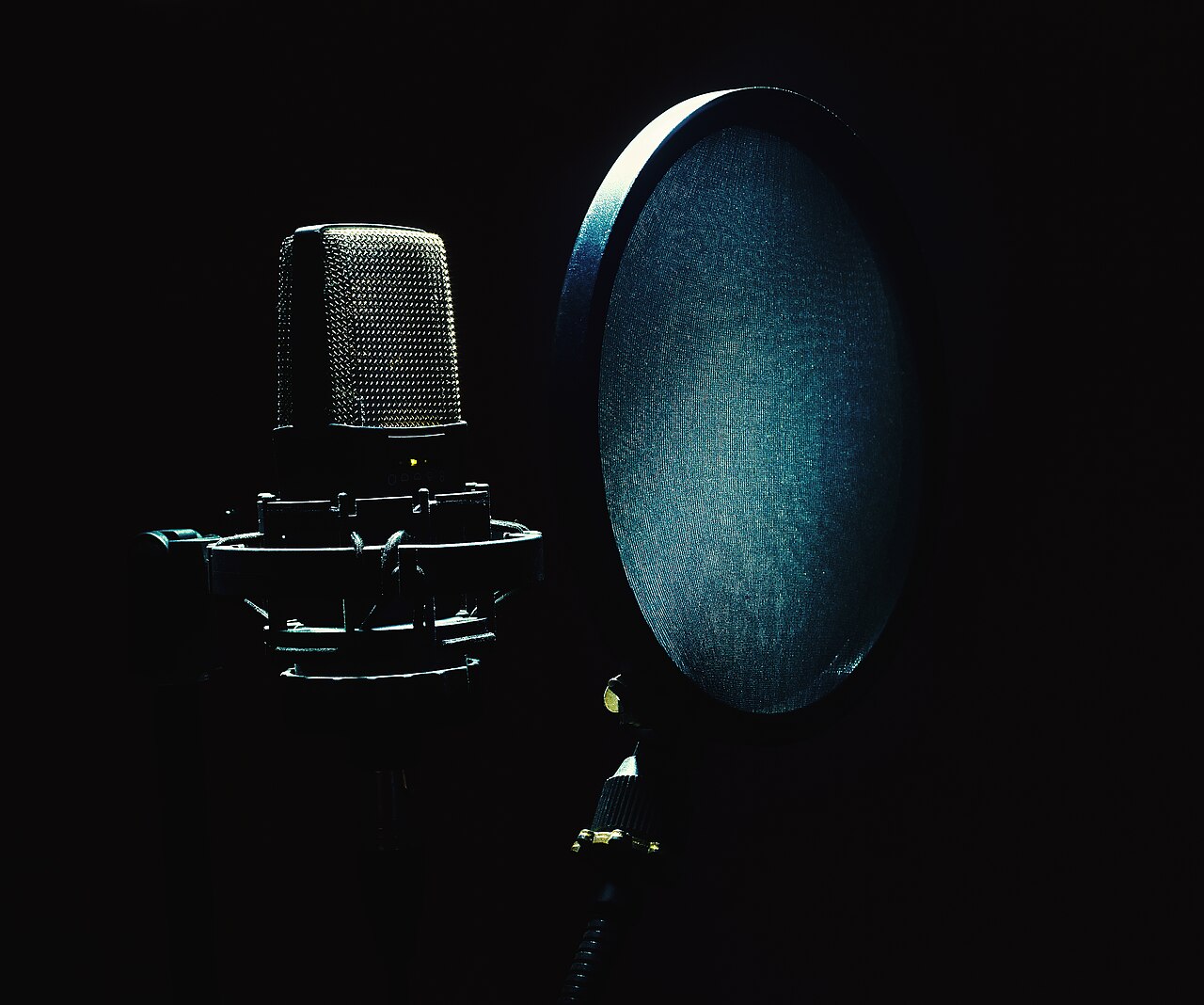
Audio Technology
9 MIN READ · PRACTICAL GUIDE
A de-esser that makes a vocal lisp or duck is usually listening in the wrong place, acting on the whole signal, or allowed too much reduction. This guide covers finding real sibilance, choosing split or wide action, monitoring the detector, limiting reduction, checking plugin order, and judging the result in context.
Read the guide ↗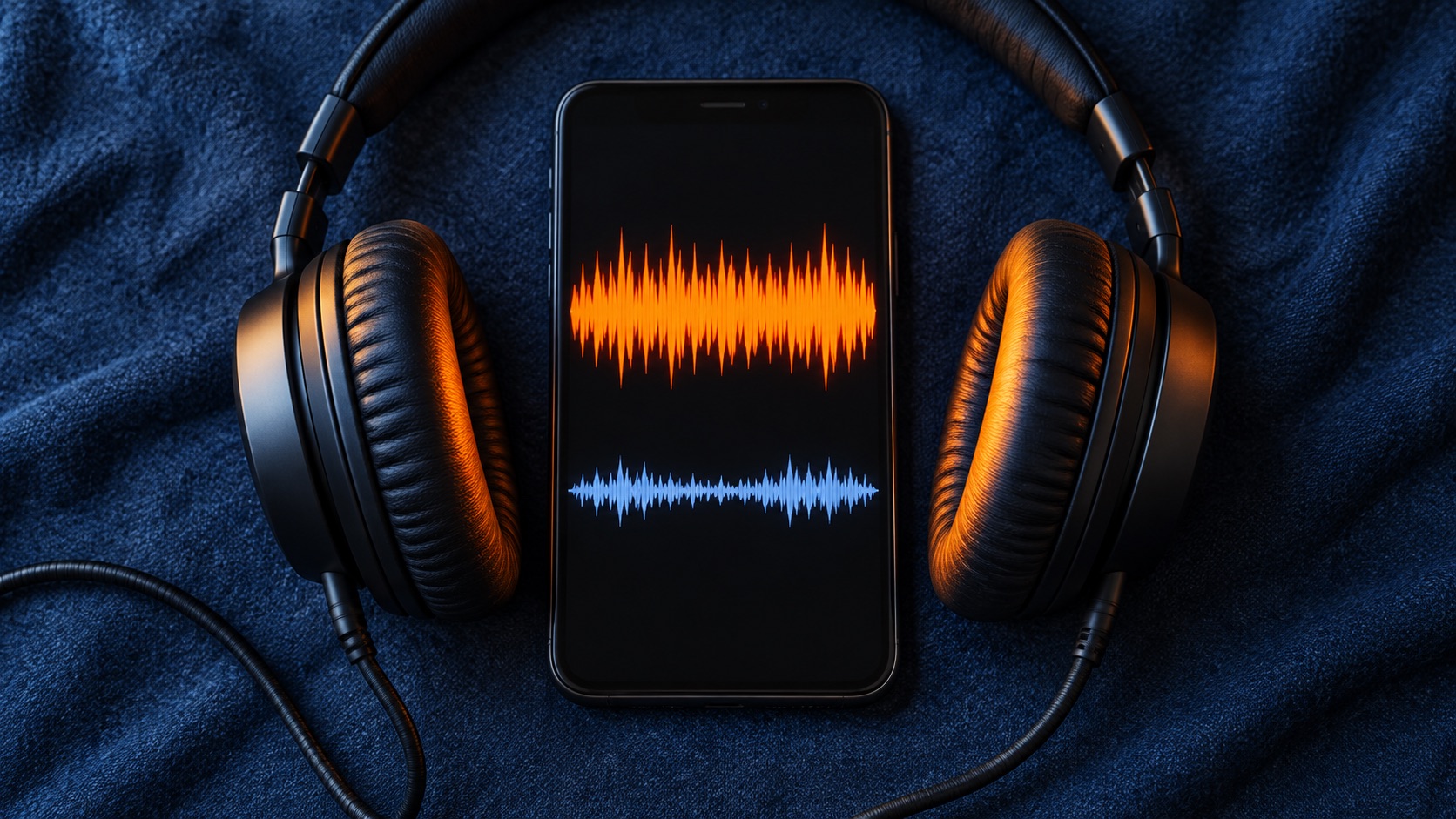
Audio Technology
9 MIN READ · PRACTICAL GUIDE
A master measured at -14 LUFS can still feel quieter than other songs on Spotify. Possible causes include playback settings, unmatched comparisons, peak headroom limits and tonal density. This guide explains how to test each one, what Spotify's guidance says, and when a master genuinely needs changing.
Read the guide ↗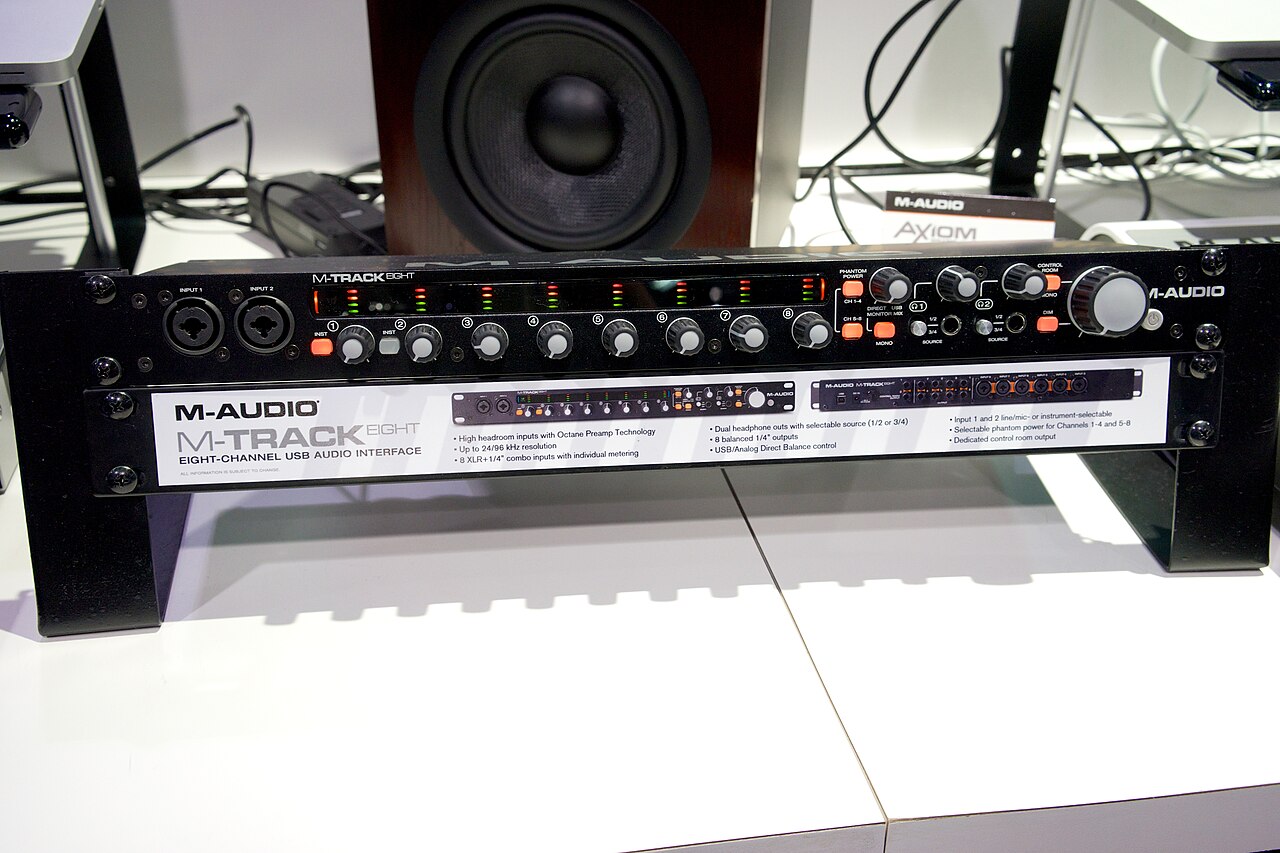
Audio Technology
9 MIN READ · PRACTICAL GUIDE
Recordings that come back at the wrong pitch or slowly slide out of time usually come from a sample rate mismatch or from devices running on separate clocks. This guide explains how to tell the two apart, which settings to check, and how to fix them while protecting the original audio.
Read the guide ↗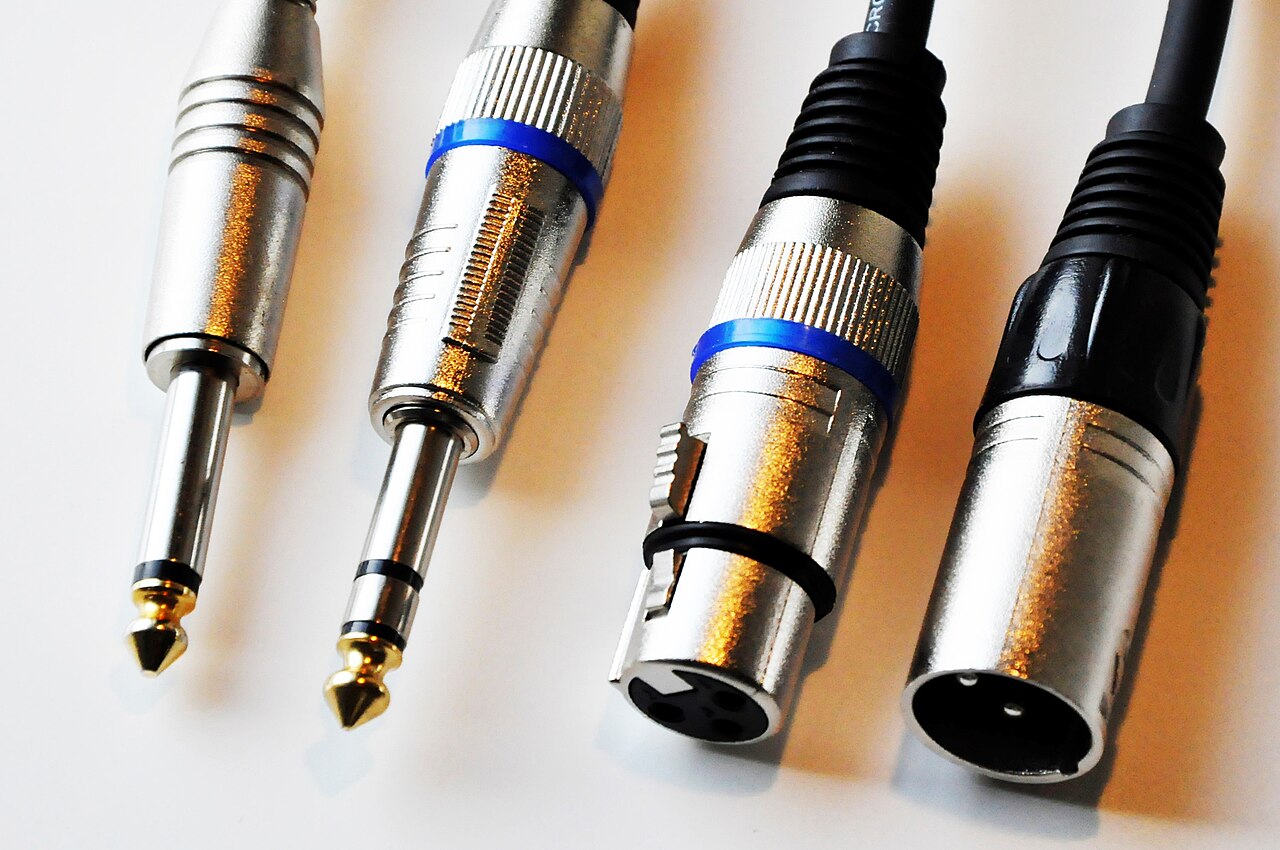
Audio Technology
9 MIN READ · PRACTICAL GUIDE
A condenser mic that stays silent with 48V engaged usually has a fault somewhere in a short chain: power requirements, input routing, the cable, the mic, or the interface channel. This guide gives a safe testing order, a hypothetical worked example, buying red flags, and clear points to stop and seek service.
Read the guide ↗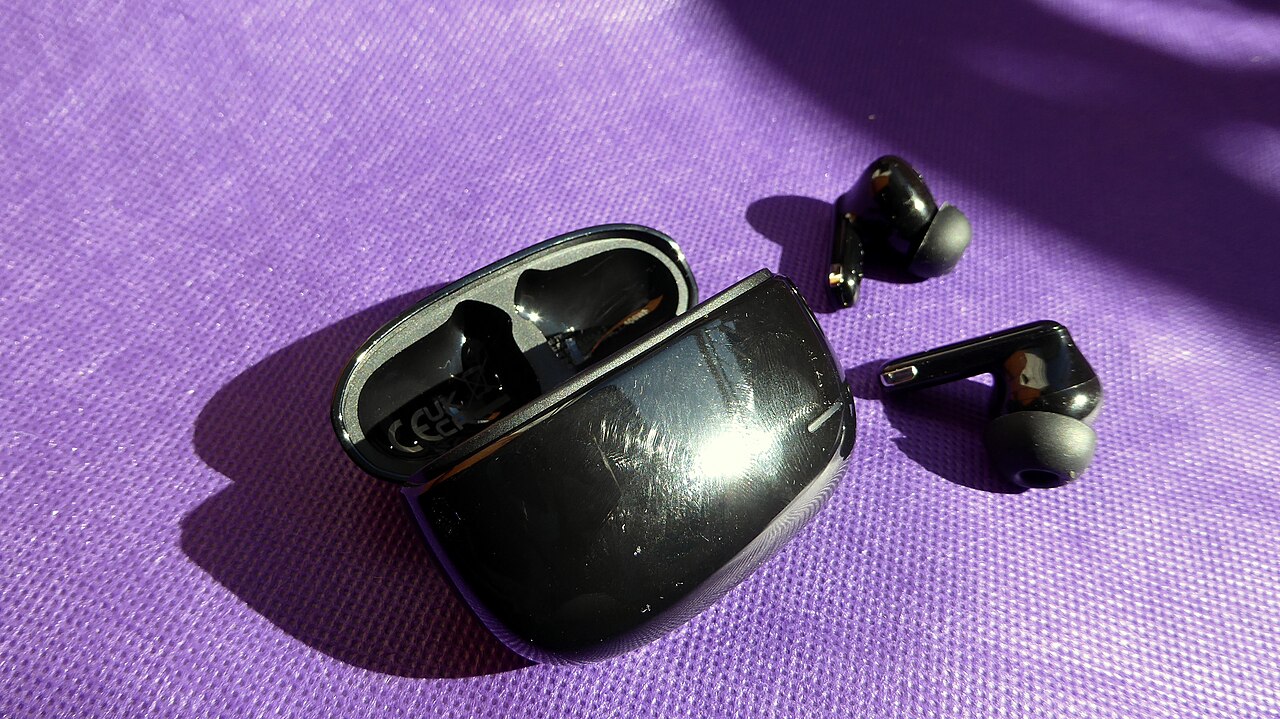
Audio Technology
8 MIN READ · PRACTICAL GUIDE
Dragging vocal takes to cover Bluetooth delay can tidy the timeline, but it leaves the monitoring lag untouched. This guide separates a constant placement offset, variable delay and late self-monitoring. It explains loopback measurement, compares a wired control session and shows where Bluetooth still makes sense.
Read the guide ↗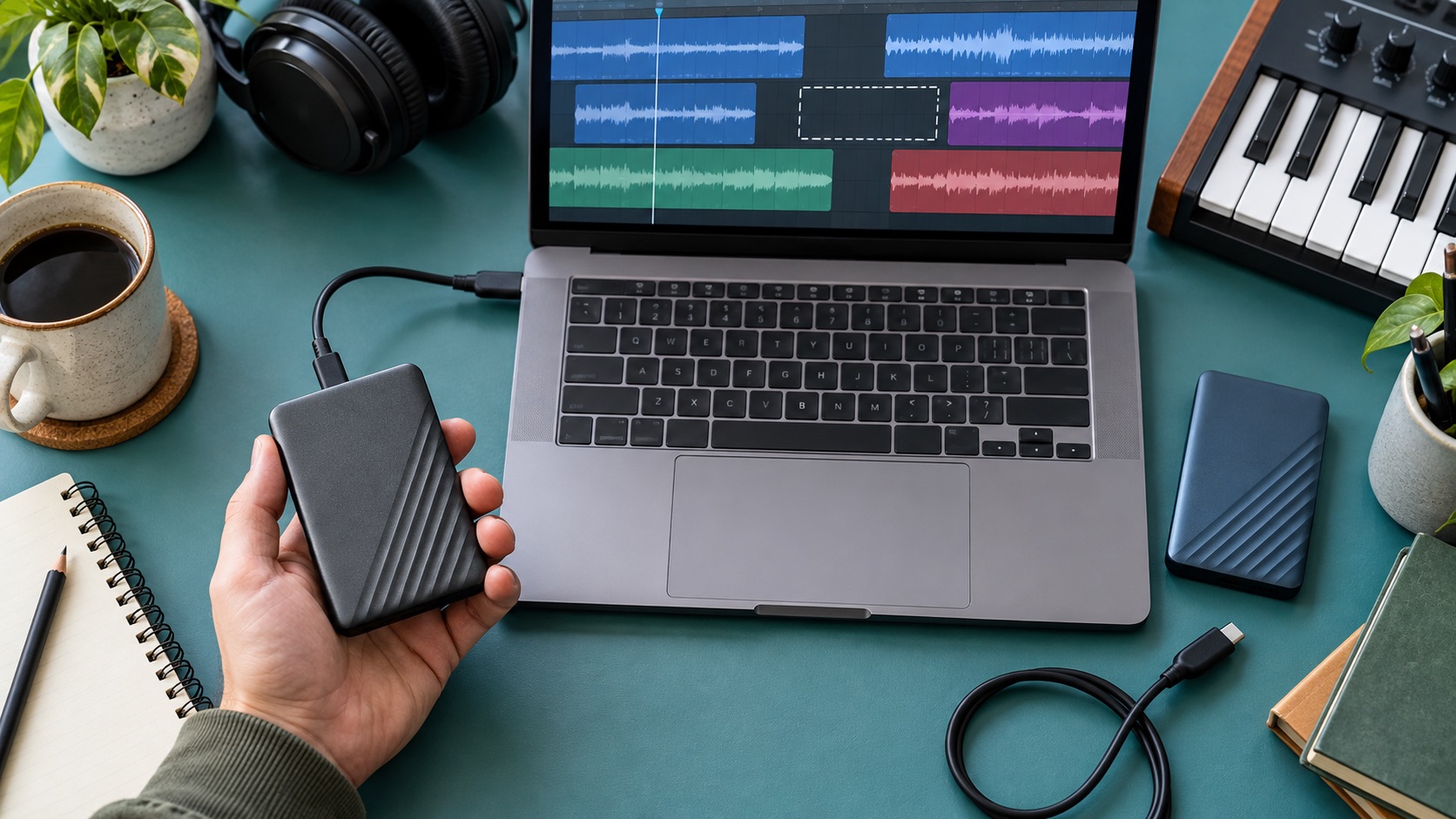
Audio Technology
9 MIN READ · PRACTICAL GUIDE
When Ableton reports missing samples or audio sounds corrupt, the order of your fixes matters. Duplicate the session first. Then work out whether you have a broken path, a cloud placeholder or a damaged file. After that, relink, collect accessible media into a clean project, and document what collection cannot capture.
Read the guide ↗