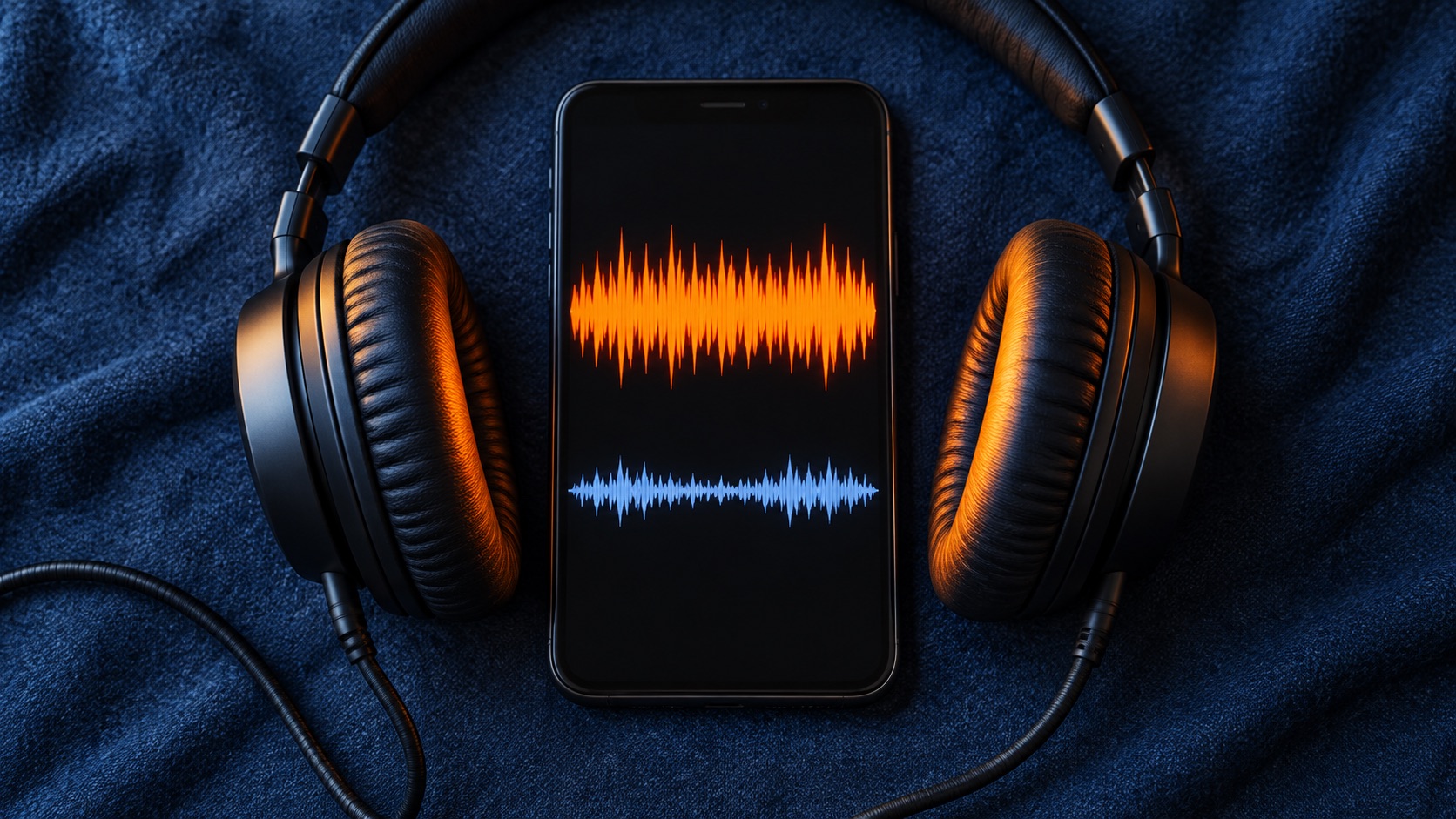
The problem: the number matched but your ears disagree
The pattern is familiar. You master to -14 LUFS because you were told that is the Spotify number, upload the song, and it sounds smaller than the commercial tracks around it. One Reddit poster described exactly this: a song exported at -14 LUFS seemed quieter than other Spotify tracks at full volume. The replies, which are community anecdotes rather than verified testing, blended three separate issues: playback normalization targets, dynamic range, and how the uploaded file was mastered [R1].
Untangling those issues is the whole job. A loudness target is a measurement convention, while perceived loudness is what listeners actually hear. Spotify's artist documentation describes normalization as something applied at playback, with exceptions depending on device and listener settings [S1]. Before you touch the master, find out which kind of quiet you are hearing.
Separate integrated loudness, true peak and perceived density
Integrated loudness is a single figure for the whole track. The measurement is frequency weighted to roughly reflect hearing sensitivity, and it is gated so very quiet passages count less. Even so, it shows no spectrum and no section-by-section dynamics. A song with a sparse intro and a huge final chorus can share a reading with a song that holds one level throughout, and the two will feel very different in a playlist.
True peak estimates the inter-sample peaks that can appear after conversion or lossy encoding. It describes headroom and distortion risk, not loudness. Perceived density is an informal term for how full and continuous a track sounds, shaped by arrangement, midrange balance and how steadily level is sustained. Many master-quieter-than-reference complaints turn out to be density or tonal differences rather than a wrong number.
- Integrated LUFS: one gated, weighted figure used for normalization
- Short-term and momentary loudness: how loud individual sections are
- True peak: headroom and encoding risk, not a loudness score
- Density and tonal balance: drive perceived loudness but have no single meter
Check the normalization setting and playback device
Do not try to make every device behave identically, because you cannot. Spotify's artist documentation, as read for this October 2026 guide, lists the web player and third-party devices such as some speakers and TVs among cases where normalization is not applied [S1]. Results from those paths tell you little about loudness matching. Pick one Spotify app where normalization is available, such as desktop or mobile, and run every comparison there.
Two settings matter. The first is whether normalization is switched on. The second is the volume level: Spotify describes Loud, Normal and Quiet levels, with level selection described for Premium listeners, and Normal corresponding to its -14 LUFS reference [S1]. Record both before each listen. Also note context. Spotify describes normalizing a full album as a unit when it is played as an album, preserving the quiet and loud songs you intended, while shuffled or playlist listening adjusts each track individually [S1]. A song heard inside its album may therefore sit at a different level than the same song in a playlist.
What Spotify actually says, including the headroom catch
Avoid both extremes. Spotify does recommend mastering around -14 LUFS integrated, and its documentation pairs that with true peak advice: stay below -1 dBTP, with tighter peak control recommended for masters louder than -14 LUFS because they are more prone to added distortion during transcoding [S1]. Check the current figures on Spotify's page before delivery, since guidance can change. That is mastering guidance about how files will be played back; it is not presented as an acceptance rule, and whether a file is accepted depends on your distributor's specifications.
The detail most often missed is that Spotify describes raising quieter tracks only as far as peak headroom allows, leaving about 1 dB below full scale [S1]. Here is our own illustrative arithmetic, not Spotify's example: a master reads -18 LUFS with true peaks at -2 dBTP. Reaching -14 LUFS would need 4 dB of gain, but only 1 dB is available before peaks hit -1 dBTP. The track plays near -17 LUFS, still about 3 dB under louder neighbors. A master measured at -14 LUFS but with very high peaks is a separate case worth measuring rather than assuming.
Compare references with level matching
Loudness bias is powerful. When two sources differ in level, the louder one tends to sound fuller and more detailed, even when it is not better. A casual comparison against a stream mostly measures that bias.
Load lawfully obtained reference files into your DAW, measure each one's integrated loudness, and offset playback gain so everything sits at the same LUFS. A level-matching plugin or a manual gain calculation both work. Then compare like sections and write down concrete differences, such as a thinner low midrange, a buried vocal, spiky transients or a chorus that does not lift.
- Match integrated LUFS first, then spot-check loud sections by ear
- Compare chorus to chorus, not intro to chorus
- Take breaks to limit listening fatigue
- Record specific differences rather than an overall verdict
Evaluate limiting artifacts before chasing a louder number
Pushing a limiter harder raises the reading, but if normalization turns the track down anyway, what remains may be flattened transients, pumping, smeared low end and harsh cymbals. At matched loudness, listen for whether the kick loses punch in the chorus, the bass blurs, sibilance turns brittle or reverb tails breathe with the limiter.
Let the matched comparison choose the remedy instead of following a fixed recipe. If it reveals a midrange gap, a balance change in the mix may help. If it reveals an arrangement that never thickens, that is a writing or production question. If transients are out of control, careful dynamics work may help. Any processing, including saturation, can add unwanted distortion, so judge each change at matched level.
Hypothetical worked example
Hypothetical scenario, not a real case: an indie rock band's master reads -14 LUFS integrated with true peaks around -0.3 dBTP. On the guitarist's laptop it sounds quieter than a favorite reference. They discover the comparison was split between the web player and a phone app. Retesting both tracks in the same desktop app with normalization on at the Normal level shrinks the gap but does not remove it.
In their DAW, they match the reference and their master to the same integrated loudness. The band's chorus now sounds thinner: rhythm guitars are scooped and the bass sits under the kick. The mixer rebalances those elements, and the mastering engineer reworks limiting so peaks sit below -1 dBTP rather than pushing the number up. They confirm their distributor's current file requirements and re-upload. Most of the improvement came from the mix, not the meter.
Red flags and how to verify claims
Loudness confusion invites misleading pitches. Be wary of services guaranteeing a Spotify-optimized master that matches major releases on every device, or implying a LUFS value improves playlisting or algorithmic treatment. The normalization guidance summarized here describes playback level handling, not promotion [S1]. Treat forum certainty cautiously too; threads like the one cited are first-person problem reports, not independent technical evidence [R1].
Ask any mastering provider for before-and-after files you can level-match yourself, plus the integrated and true peak values they deliver and their reasoning. Verify claims about Spotify against Spotify's current artist page, and file requirements against your distributor's published specifications rather than a reseller's paraphrase.
- Guaranteed loudness parity with major releases
- Claims that a LUFS value affects playlisting or recommendations
- Refusal to provide files you can level-match
- Specs quoted without naming the distributor or document
Deliver the master and know when to escalate
Finalize the master on what sounds right at matched loudness, then check it against the technical requirements of the distributor that actually delivers your audio. Distributors set their own format, sample rate and bit depth rules. Keep Spotify's true peak recommendations in view, especially if your master runs hotter than -14 LUFS, and resolve any conflict between sources by asking the distributor directly.
Escalate when the problem survives these steps. Bring in an independent mastering engineer if matched comparisons keep exposing density or tonal issues you cannot fix. Contact your distributor if the streamed version sounds different from the delivered file, for example with new distortion, which may indicate a delivery or encoding problem. Use Spotify for Artists support for questions about platform playback behavior.
Your next steps
- Run all listening tests in one Spotify app where normalization is available
- Record normalization on or off, the volume level, and album versus playlist context
- Treat web player and third-party device results as unreliable for loudness judgments
- Measure integrated loudness, short-term loudness and true peak separately
- Check whether high true peaks could limit positive gain on a quieter master
- Level-match lawfully obtained references in your DAW before judging
- Listen for limiter artifacts before adding more gain reduction
- Confirm file requirements in your distributor's current documentation
- Ask any mastering service for before-and-after files you can level-match
Questions that come up next
Does Spotify require masters to be exactly -14 LUFS?
Spotify recommends mastering around -14 LUFS integrated with true peak below -1 dBTP, describing this alongside how playback normalization works. It is framed as guidance rather than a delivery rule, and file acceptance depends on your distributor. Many genres sound right at other loudness levels, so judge the master by ear at matched level.
Why does my song sound quieter than others at the same LUFS?
Integrated LUFS is one gated, weighted figure, so it cannot show section-by-section level, tonal balance or density. A thin midrange or a chorus that never lifts can feel smaller at an identical reading. Also check playback context, since album playback and playlist playback can treat levels differently. Compare at matched loudness to find the actual difference.
Should I just limit harder to fix a quiet-sounding master?
Not as a first step. Harder limiting raises the measured number, but normalization may turn the track down again, leaving only artifacts like dulled transients or distortion. Hotter masters also need careful true peak control. Confirm playback settings, compare at matched level, address what that comparison reveals, and add limiting only if it still sounds better when levels match.
Sources & further reading
Community discussions identify lived problems; they do not establish technical or legal requirements. Primary references support the specific claims cited above.
- R1 / COMMUNITY DISCUSSIONI exported my song -14LUFS, but the mix sounds quieter than any song in Spotify at 100% Volume ↗
- S1 / PRIMARY REFERENCESpotify for Artists: Loudness normalization ↗