Why a panned click still reaches the audience
A common backing-track setup puts music on one side of a stereo file and the click on the other. The music side goes to front of house, and the click side goes only to the band. On paper the audience never hears the click. In practice, a faint tick under quiet passages can undermine an otherwise polished show, and finding the source of click track bleed into the PA takes method, not guesswork.
One community anecdote on Reddit shows the pattern: a poster described running an iPad through a Y cable into a two-channel DI and hearing a faint click in the PA, even though the exported file sounded clean on headphones [R1]. That is one person's report, not evidence of how often this happens or which part failed. It is useful because it shows how many links sit between a clean file and a contaminated mix.
Four places the leak can live
Before swapping gear, sort the problem into categories. File contamination means the click is actually present, quietly, in the music channel of the render. Hardware crosstalk means the click leaks between conductors or channels in the Y cable, adapter, DI or snake. Routing errors mean a mixer, device setting or software output sends click where it should not go. Acoustic spill means the click escapes from in-ears or wedges and is picked up by vocal or drum mics.
Each category has a different fix, so the goal is to rule categories in or out with deliberate tests. Changing three things at once may make the click disappear, but you will not know why, and it may return at the next venue.
- File: click present in the music channel of the render
- Hardware: crosstalk or a wiring fault between left and right
- Routing: summing, sends or bus assignments combining the sides
- Acoustic: monitor spill reaching open microphones
Solo-test the rendered left and right channels safely
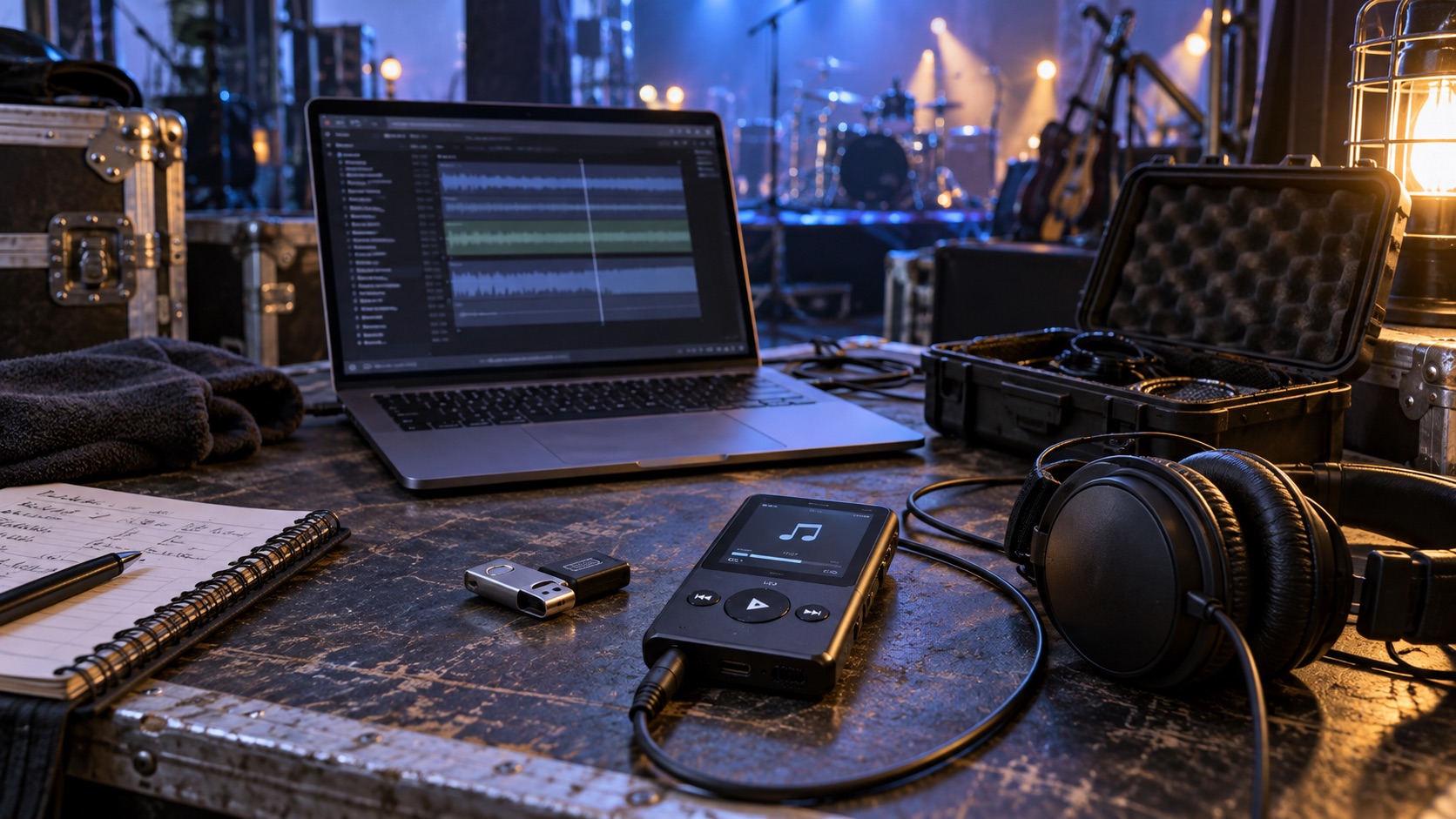
Normal headphone listening is a weak test here, because with both sides playing, a faint click on the music side is easily masked. Open the exported file in an editor or DAW and examine each channel on its own. Start visually: zoom into the music-only channel during a silent gap, intro or fade and look for small, regularly spaced spikes that line up with the tempo. A spectrum or level meter on that channel alone can also reveal activity where there should be none.
If you want to listen as well, pick a short quiet excerpt of the music channel only, keep physical playback at a low, comfortable level, and avoid large gain boosts. Before moving to a louder section, unmuting the click channel or playing the full mix, return any gain you added to its normal setting, because a sudden loud passage or click at boosted gain can be startling and harmful to hearing. If the click shows up on the music channel alone, the problem starts in the render: a click left in the music bus, a send feeding a reverb that returns to the music side, or a mis-panned stem. Fix the session and re-export. If the music channel is clean, the leak is downstream.
Check mono-audio and summing settings
Phones and tablets often include accessibility options that combine stereo into mono so listeners with hearing in one ear do not miss content. If such a setting is on, your separated channels become one signal on both outputs. Check your playback device's accessibility and audio settings, and confirm with the device maker's current documentation where any mono option lives, since menus change between software versions.
Summing can also happen elsewhere: a playback app with a mono output option, a mixer channel set to mono, or a stereo input linked when it should be two independent channels. List every point where a stereo signal could be folded together and confirm each is set the way your show requires.
Swap the Y cable and DI one at a time
Once the file and settings check out, test hardware by substitution. Replace only the Y cable with a known-good one, ideally one you have previously verified passes a low-level test tone on one side with nothing on the other. Listen again. Then restore the original cable and replace only the DI. Changing one item per test is what makes the result meaningful.
Do not conclude that a particular brand or model is defective from a single anecdote, including the one in [R1]. A damaged cable, loose adapter, worn headphone jack or snake fault can present similarly. If a DI behaves strangely, use only the controls its manufacturer provides, such as a ground-lift switch, and never defeat a mains safety ground on any powered equipment.
Trace aux sends, returns and main-bus assignments
On the console, find the click channel and check every place it could reach the mains. Is it assigned to the main left-right bus? Does it feed an aux or effects send whose return lands in the mains? Is it in a group or matrix feeding front of house? On digital desks, a copied scene or default channel setup can quietly leave a main assignment enabled.
Also check monitor mixes that put click into wedges near open microphones. A tick picked up by a vocal mic will appear in the mains even when routing looks perfect. Mute the click channel at the console; if the audience-side click vanishes, it is coming through the desk or through spill tied to that channel.
Use independent interface outputs when separation matters
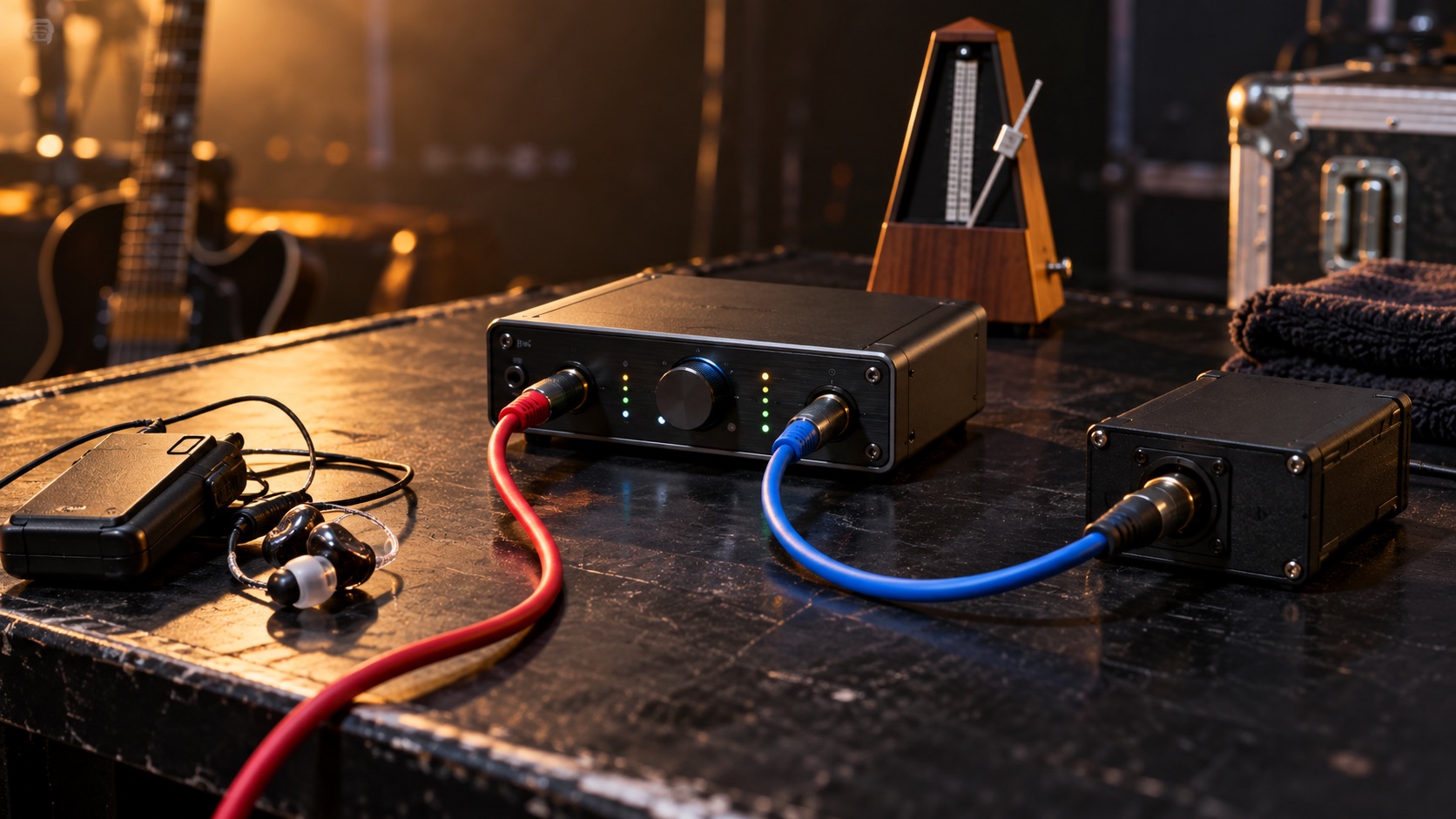
A headphone jack feeding a Y cable is cheap and compact, but it relies on a consumer output and adapters for channel separation. When the show cannot tolerate leakage, a multi-output audio interface with dedicated outputs for click and music is a sturdier design. Ableton's Live 12 manual describes routing tracks with Audio To and Ext. Out, and enabling hardware ports as mono outputs or stereo pairs in Channel Configuration [S1].
Routing like that lets you put click on one physical output and music on others. As our own diagnostic suggestion, comparing this path with the old one is informative: if the leak disappears, the earlier path was a likely contributor, though it does not prove every leak is a software or output issue. Tradeoffs include cost, setup time, another powered device and new failure points. Confirm capabilities with your interface and software documentation.
Hypothetical worked example
Hypothetical: a four-piece band plays to tracks from a tablet, with music on the left and click on the right, through a Y cable into a stereo DI. During a soft intro, front of house hears a faint tick. The engineer inspects the music channel of the exported file in an editor, zooming into the quiet intro and checking a meter on that channel alone; it is clean. She then finds a mono option enabled on the tablet and switches it off. The tick drops but does not vanish.
She swaps in a verified Y cable; no change. Swapping the DI also makes no change. On the console, she finds the click channel feeds a wedge beside the lead vocal mic. Moving click to in-ears only removes the last trace. Two separate causes overlapped, which is why isolating each stage mattered.
Red flags, verification and when to escalate
Be skeptical of quick fixes that promise to eliminate click leakage without explaining the cause, and of forum advice that names a single culprit from one experience. Verify claims by re-running your own isolation tests. If a seller says a cable or DI has high channel separation, ask for the published specification and confirm it with a low-level tone test yourself.
Escalate when the leak persists after you have cleared the file, settings, cables, DI and routing, or when you suspect venue wiring, snake faults, or hum and buzz tied to power. Those belong with the venue's audio staff, the equipment manufacturer's support or a qualified technician. Do not open powered gear or alter venue electrical systems yourself.
Write an acceptance test
Define a pass condition before each show: no click audible in the audience feed at the expected playback level, checked during quiet passages. Headphone silence alone does not certify the whole path, so test through the actual PA with the actual cables, at the level you will really perform, with stage monitors running.
Bring levels up gradually rather than starting loud, protect ears, and record the result with the gear list and settings used. Repeat the test whenever any component, venue or scene file changes.
Your next steps
- Inspect the music-only channel of the export visually and with a meter during quiet gaps
- If listening to an isolated excerpt, keep playback low and reset gain before switching channels or sections
- Confirm mono-audio or summing options are off on the playback device and app
- Verify mixer inputs are independent channels, not linked or mono-summed
- Swap the Y cable for a known-good one, testing only that change
- Swap the DI for a known-good one, testing only that change
- Check click channel main assignment, aux sends, effects returns, groups and matrices
- Move click away from wedges near open microphones if spill is suspected
- Run the acceptance test through the full PA at expected playback level before doors
Questions that come up next
Is headphone listening enough to prove my backing track is clean?
No. With both sides playing, a faint click on the music channel can be masked, as one Reddit poster's experience suggests [R1]. Inspect the music channel alone visually and with a meter, listening at low levels if needed. A clean file only clears the render; cables, settings, routing and monitor spill still need testing through the PA.
Does a faint click mean my DI is broken?
Not necessarily. A single report of click leakage through a DI does not prove the DI caused it. File content, mono settings, cables, routing and acoustic spill can all produce the same symptom. Substitute one component at a time with known-good items, and contact the manufacturer if a specific unit consistently fails.
When should I switch to a multi-output audio interface?
Consider it when the show cannot tolerate leakage, when you need separate click, cue and music feeds, or when tests point at a consumer output and adapters. Ableton's manual describes enabling hardware outputs as mono or stereo pairs [S1]. Weigh cost, setup complexity and added failure points, and confirm options in your own documentation.
Sources & further reading
Community discussions identify lived problems; they do not establish technical or legal requirements. Primary references support the specific claims cited above.
- R1 / COMMUNITY DISCUSSIONClick Track Bleed in Backing Tracks ↗
- S1 / PRIMARY REFERENCEAbleton Live 12 Manual: Routing and I/O ↗