Why the stage and the room can disagree
Few things rattle a young band like walking offstage convinced the gig was a mess, then hearing friends say it sounded great. One community anecdote on r/livesound describes exactly this. After a first gig, the band disliked its stage sound, while audience members reported a good result [R1]. That is a single thread, seen only as a search excerpt, so it says nothing about how common this is or why it happened there. It does describe a situation many players will recognize.
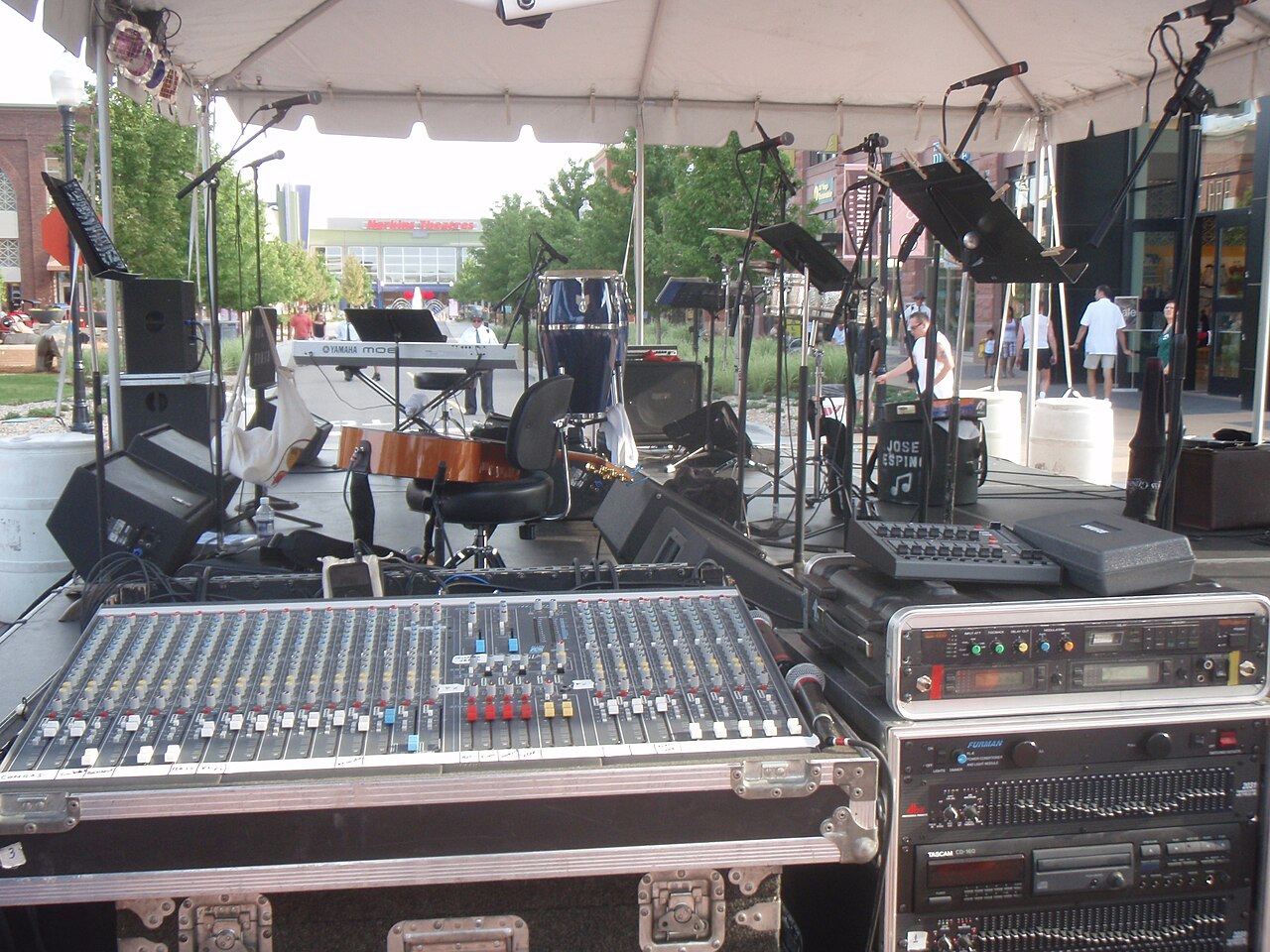
When stage sound is different from what the audience hears, that is often expected rather than a malfunction. The band and the crowd are hearing different loudspeakers, different mixes and different acoustic positions. The job is to sort out which stage problems are fixable, which come from the room, and whether any of it reached the audience at all.
Two signal paths: a simple diagram
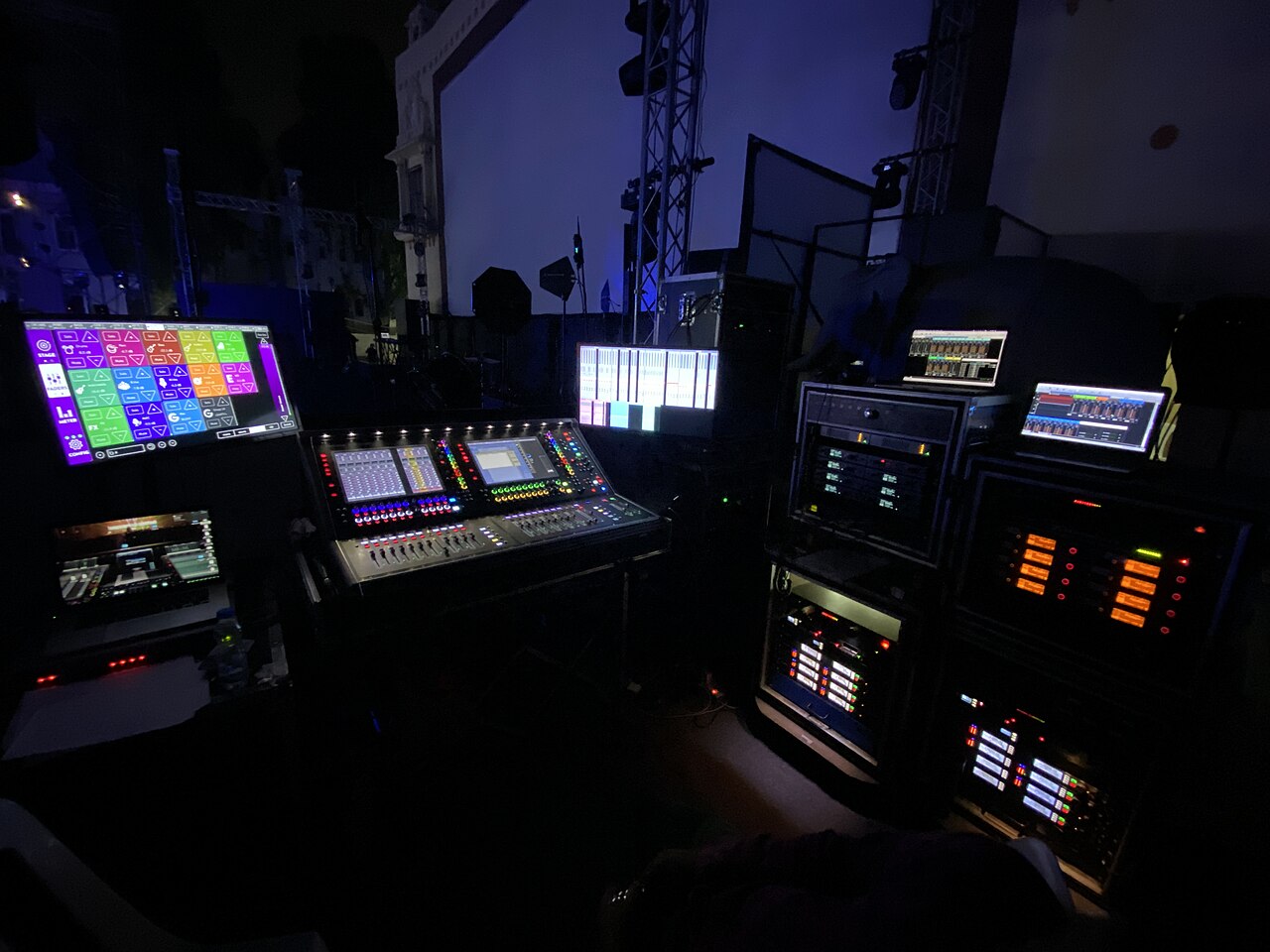
On most consoles, each microphone or instrument feeds a channel, and that channel can send signal in more than one direction. QSC describes auxiliary monitor mixes as independent mixes, separate from the main mix [S1]. In practice, the singer's wedge and the main speakers can play quite different blends of the same sources.
The plain-text sketch below is a model, not a wiring guide. Actual routing depends on the console and how the engineer set it up.
- Audience path: mic or DI, console channel, channel fader, main mix bus, main (FOH) speakers, room, listeners.
- Monitor path: mic or DI, console channel, aux send (pre- or post-fader), aux output, monitor amp or powered wedge, performer.
- Unmixed path: amps, drums and acoustic instruments, heard directly by everyone nearby, especially the band.
What reaches the stage that never reaches the crowd
Performers stand inside a loud, uneven sound field. A guitarist may be a few feet from a combo amp pointed at the back of their knees. The drummer hears cymbals inches away. Sound from the main speakers bounces off the back wall and returns to the stage late and smeared. None of this matches what the audience hears from the floor.
This is why 'can't hear bass on stage' is such a common complaint, and two separate things are often going on. First, low frequencies interact with nearby walls and the room, so a player can stand in a spot where bass is weak while another spot nearby sounds full. Moving the player, or moving the amp relative to walls and corners, is what addresses that. Second, a cabinet aimed at the player's legs delivers less of its mid and upper range to their ears, which is where note attack and definition live. Aiming or tilting the cabinet helps that clarity, but it does not fix a low-frequency dead spot. Turning up rarely solves either cleanly. During line check, walk the stage and note where each instrument sounds strongest and weakest.
Ask each musician for the minimum references they need
A useful monitor mix is not a miniature audience mix. It is a short list of cues that lets each person play in time and in tune. A singer usually needs their own voice plus a pitch reference such as keys or guitar. A drummer may want bass and lead vocal. A bassist often wants kick and whatever carries the chord changes. Ask each player directly: what is the least you need to hear to play reliably?
Minimal requests pay off. Fewer sources in a wedge means lower overall level, less feedback risk and less stage noise spilling into the audience mix. It also makes the band agree before soundcheck instead of everyone asking for 'more me' at once.
- One line per player: two or three sources, in priority order.
- Note what each player already hears acoustically and does not need in the wedge.
- Flag in-ear or hearing-protection plans, since they change what each player needs.
Check whether monitor sends are pre- or post-fader on the actual console
QSC distinguishes pre-fader sends from post-fader sends and notes that post-fader send levels follow changes to the channel fader [S1]. That matters here. If the wedges are fed post-fader, every time the front-of-house engineer rides a vocal or pulls a guitar down for the audience, the band's monitors change too. The stage can feel unstable even when the audience mix is steady.
Do not assume which setting is in use. Consoles differ, and some let each aux be set separately. Ask the engineer how the monitor sends are configured tonight, or look at the routing screen together during soundcheck. If you run your own mixer, check the manual for your exact model rather than relying on general advice.
Use a trusted listener and an approved recording as supplementary evidence
Friends saying the show sounded fine is encouraging, but praise is not an acoustic measurement. Supportive listeners may stand in one spot, focus on the performance, or simply be kind. Pick one person whose ears you trust and ask them to move around the room and report specifics: were lyrics intelligible, was the bass boomy, did a guitar vanish during solos?
A recording helps if the venue or engineer approves it, but know its limits. A phone on a table cannot reproduce the full sound field a crowd experiences, and its microphone and processing color the result. A board feed has the opposite bias, capturing the console mix without the stage sound in the room. Compare both cautiously and look for consistent patterns, not single moments.
Making monitor requests without changing the whole FOH mix
Monitor and main mixes can be adjusted independently when the system is set up that way [S1]. So 'more keys in my wedge, please' should be a change to one aux send, not to the keyboard channel fader the audience hears. Phrase requests in those terms: which wedge, which source, up or down.
Agree on hand signals or a short phrase between songs. Make one change at a time and confirm when it is right. If one engineer is mixing both from the back of the room, expect monitor tweaks to take a moment. Repeated vague complaints mid-set usually make both mixes worse.
Hypothetical worked example
Hypothetical: a four-piece plays a 150-capacity bar. The singer cannot hear herself, the bassist says the bass vanishes at his spot, and the drummer says the vocal jumps around between songs. Two friends say it sounded great. A trusted listener who walked the room says lyrics were clear but the bass was boomy near the back.
The engineer confirms the monitors were fed post-fader, which explains the drummer's jumping vocal. The bassist was standing near the wall end of the stage with his cabinet aimed at his calves. Next show, the band asks whether pre-fader sends are available, the bassist tries a different stage position during line check to find where the low end is fuller, and he angles the cabinet toward his ears for note definition. They hand over a short list of needs per wedge and leave the FOH balance alone, apart from mentioning the boomy back-of-room report to the engineer.
Red flags, verification and when to escalate
Be wary of signals that only feel conclusive: polite reassurance, one flattering phone clip, or an engineer who answers every question with 'it sounds fine out front' without checking the stage. Verify with specifics: the actual routing, what changed between songs, and whether listeners in different spots heard the same thing.
Some problems go beyond mix choices. Persistent hum, buzzing, crackling, dropouts or a wedge that cuts out point to equipment, cabling or power issues. Report them to the venue technician or a qualified audio or electrical professional, and do not open amplifiers, powered speakers or power distribution yourself. Also raise uncomfortable stage volume or ringing ears with the venue; lower stage levels and hearing protection are worth discussing.
A post-show debrief that separates playing errors from monitoring problems
Debrief while memories are fresh. Ask each player: where did I make mistakes, and could I hear what I needed at those moments? A missed entry with a clear vocal cue is a rehearsal issue. A pitch slip while the keys were inaudible points to monitoring. Keeping these apart stops the band from blaming the sound for everything, or blaming themselves for what they could not hear.
Keep a shared note per show: venue, stage layout, routing as reported by the engineer, each player's monitor needs, and what to request next time. Over several gigs, patterns become clearer than any single night's impression.
Your next steps
- Write a minimum-references list for each player before soundcheck.
- Walk the stage during line check and note where each instrument is loud or weak.
- If bass is weak at one spot, try moving the player or the amp before adding volume.
- Aim cabinets toward players' ears for clarity rather than turning them up.
- Ask the engineer whether monitor sends are pre- or post-fader on that console.
- Make monitor requests per wedge, per source, one change at a time.
- Get approval before recording and compare a room clip with a board feed cautiously.
- Report hum, dropouts or power problems to the venue tech or a qualified professional.
- Hold a debrief separating playing errors from monitoring problems.
Questions that come up next
Why can't I hear bass on stage when the audience can?
Low frequencies interact with walls and the room, so you may be standing where bass is weak while the audience hears the main speakers. Try moving yourself or the amp to address that. Separately, aiming the cabinet toward your ears improves note definition but will not cure a low-end dead spot. A little bass in your wedge may also help.
Does a bad monitor mix mean the front-of-house mix was bad too?
Not necessarily. Monitor and main mixes can be independent, so one can be poor while the other works. One community anecdote describes a band disliking its stage sound while audience members reported a good result. Check with a trusted listener and an approved recording before concluding either way, remembering neither is a precise measurement.
What is the difference between pre-fader and post-fader monitor sends?
Post-fader sends follow channel-fader moves, so front-of-house adjustments also change what performers hear. Pre-fader sends are taken before the fader, which generally keeps monitor levels independent of audience-mix rides. Exact behavior depends on the console and its configuration, so confirm the setting with the engineer or the manual for that specific model.
Sources & further reading
Community discussions identify lived problems; they do not establish technical or legal requirements. Primary references support the specific claims cited above.
- R1 / COMMUNITY DISCUSSIONStage sound was terrible but audience said it sounded fine? ↗
- S1 / PRIMARY REFERENCEQSC: How to Hear Yourself and Improve Your Performance ↗